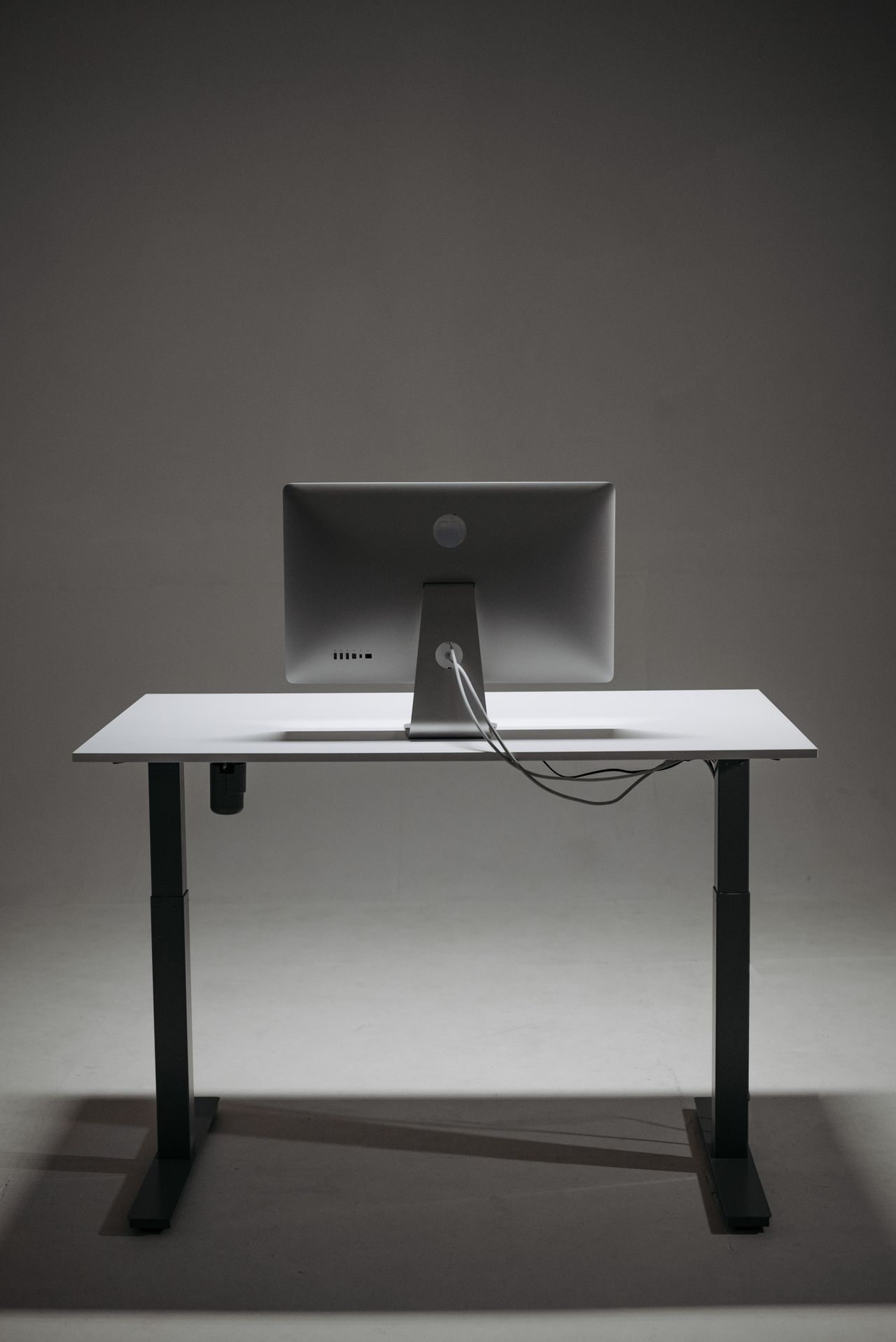
A larger monitor may provide room for more windows yet fit the existing desk poorly. Its advertised diagonal says nothing about how far the stand projects forward or how much viewing distance remains. Measure the workstation before comparing screen sizes, and include the space needed for everything around the display.
Measure the usable depth
Allow for the wall, cables, and stand footprint. A desktop with adequate overall depth can leave surprisingly little usable space when a shelf or large base occupies part of it. The keyboard and mouse need room too. Do not push them to the desk edge simply to accommodate a larger screen.
Use paper or cardboard to mark the approximate width of the proposed display. This cannot reproduce the viewing experience, but it reveals whether speakers, documents, or a second screen would be displaced. Consider whether the display would also block an awkward amount of your view toward a window or doorway.
Judge readability rather than area alone
Size and resolution work together. At the same resolution, a larger screen has larger pixels but does not automatically provide more content space. Higher resolution can show more detail, while unsuitable scaling can make text uncomfortably small. Evaluate the applications you actually use rather than an attractive demonstration picture in a store.
For long documents, ask whether you can read the text from your normal seated position without leaning forward. With several windows, also consider how often you must turn your head. Workstation guidance emphasizes an adjustable setup and a comfortable forward viewing direction. A single distance measurement cannot guarantee that every arrangement will suit every person.
Evaluate the complete setup
Check the stand's height adjustment and tilt range. If using a monitor arm, match the mounting arrangement, supported load, and desk construction. A thin or unsuitable desk edge does not become stronger because the monitor is expensive. Leave room for cable movement as the display changes position.
Compare two realistic combinations, such as a smaller screen with a useful stand and a larger screen requiring an arm. Include accessories and their footprint in the comparison. The better choice is the arrangement that supports your ordinary tasks comfortably without forcing the rest of the workstation into improvised positions.