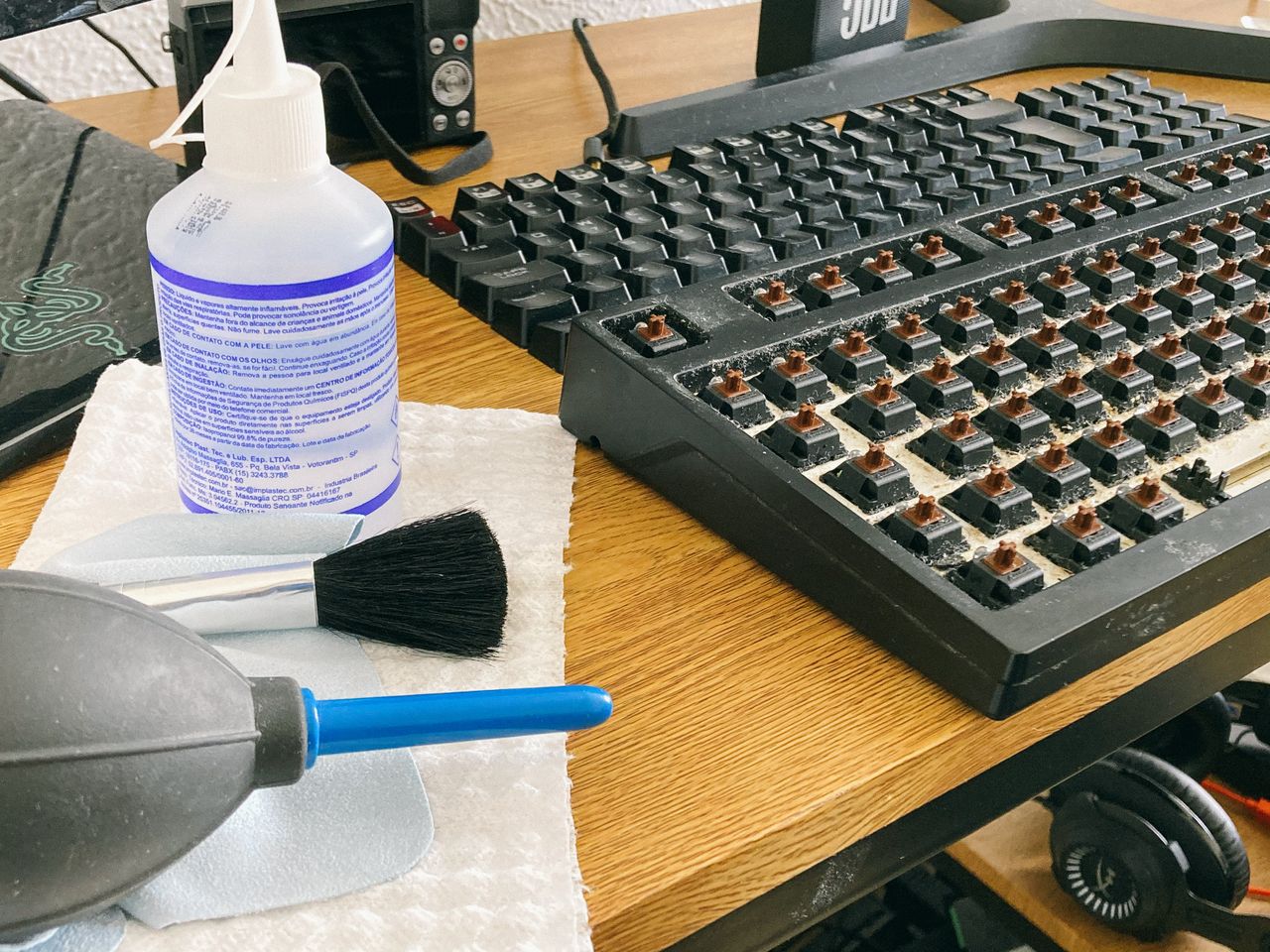
Dust on a screen and crumbs between keys can tempt you to use the nearest household cloth. Materials and coatings tolerate different cleaning methods, however. Read the instructions for the particular device first. Guidance for a durable enclosure does not automatically apply to a sensitive display or a special glass surface.
Prepare the device and workspace
Turn the device off and disconnect external power and attached cables as its manufacturer directs. Unplugging or switching off a separate keyboard also prevents accidental input. Move liquids and loose objects away so nothing falls onto the equipment while you clean it.
Use a clean, soft, lint-free cloth. A cloth previously used on furniture may contain residue or hard particles. Inspect the surface under angled light to distinguish loose dust from fingerprints. Heavy pressure is not a useful substitute for a suitable cleaning method, particularly on a display.
Follow the screen instructions
Remove loose material gently. If a slightly damp cloth is permitted, prevent liquid from entering openings. Do not spray cleaner directly onto the screen. Window cleaners, abrasives, and improvised mixtures may be unsuitable for coatings even when they work on other glass surfaces.
Observe special instructions for unusual surfaces such as textured glass. Apple's guidance, for example, distinguishes between different product materials. Do not apply those directions to another manufacturer's device without checking. If a stubborn mark remains, establish the recommended approach rather than rubbing progressively harder.
Clean the keyboard without unnecessary disassembly
Clean accessible surfaces using the prescribed method. Remove keycaps only when the instructions permit it; shallow laptop mechanisms can be damaged easily. Compressed air should also be used according to device-specific guidance. Moisture beneath the keys is not an acceptable part of routine surface cleaning.
Allow surfaces to dry fully before reconnecting if the cleaning method involved moisture. Then check several keys and the display. After a spilled drink, ordinary surface cleaning is not enough. Disconnect the device as directed by its safety guidance and have possible internal damage assessed. Treat that incident separately from removing everyday dust and fingerprints.