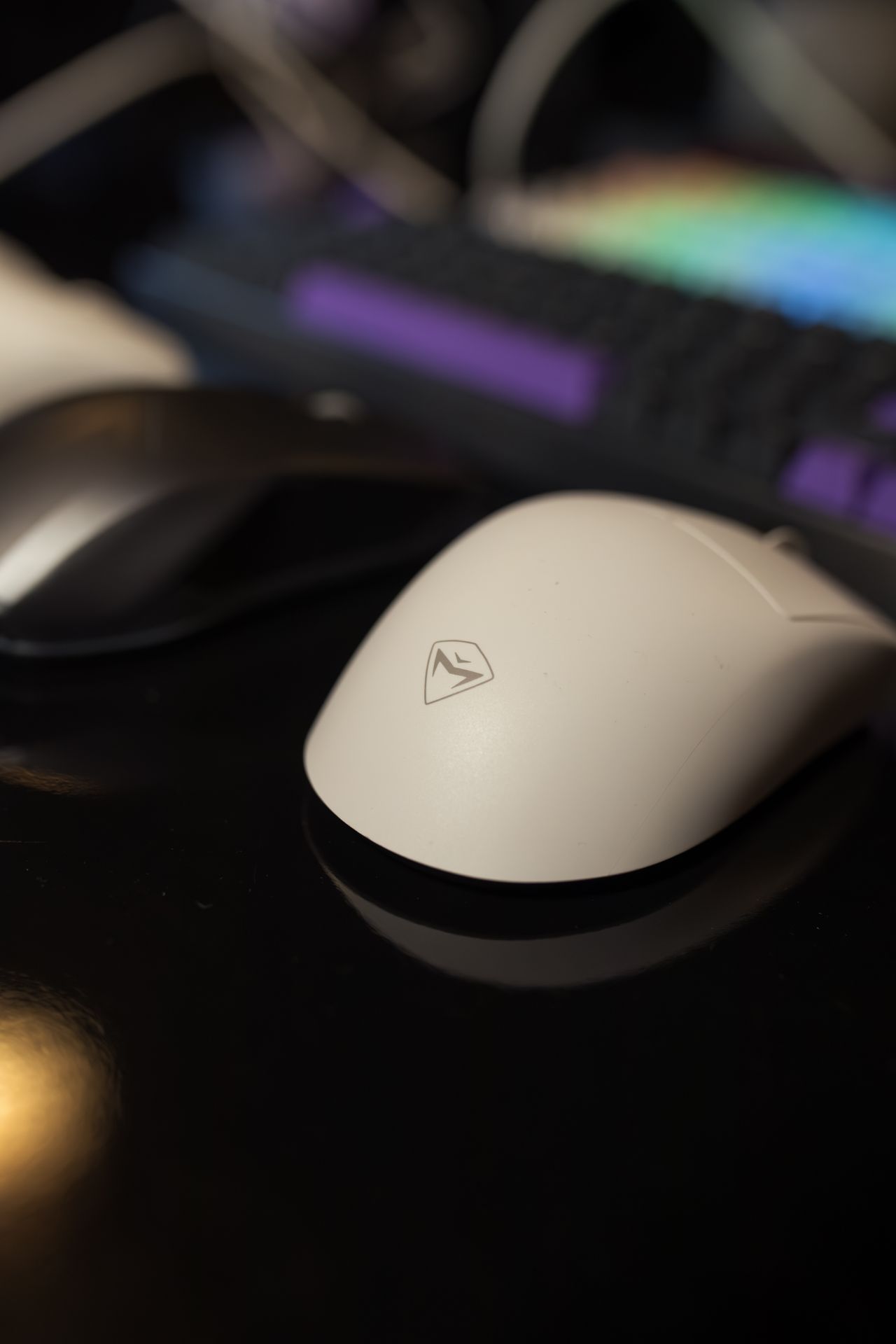
A mouse can look suitable in a product photograph and still be awkward in daily use. Size alone does not explain how it sits in your hand or how far you must reach to move it. Compare shape and controls against the work you actually do: selecting text, navigating spreadsheets, drawing, or switching frequently between windows.
Begin with its position
Before comparing models, move the existing mouse closer to the keyboard. Check whether papers or a wide number pad are taking up the useful space. A different device does not fix an arrangement that keeps your arm extended far to the side. Also check whether the surface provides enough clear room for movement.
A trackball or differently shaped pointing device changes the movement pattern. That may suit certain tasks, but often requires adjustment. Treat these designs as options rather than universal solutions for discomfort. The rest of the workstation and the way tasks are organized remain relevant as well.
Try a short set of tasks
Select a paragraph, drag a window, edit a spreadsheet, and use small controls. This reveals more than moving the pointer around an empty desktop. Check whether the scroll wheel responds predictably and whether extra buttons are pressed accidentally during ordinary use.
Adjust pointer speed in small steps. High sensitivity reduces travel but can make precise actions harder to control. A lower setting needs more room. The appropriate choice depends on display size, resolution, and familiarity; an especially large advertised sensor number does not decide the matter by itself.
Consider connection and upkeep
For a wireless mouse, test the connection with the actual computer. A receiver needs a suitable available port, while Bluetooth depends on device support. Check wake-up behavior after a pause and establish a workable charging or battery routine. A charging cable does not mean every model can be used while charging.
If movement becomes unreliable, clean the underside and sensor opening according to the manufacturer's instructions. Check the working surface and battery level before replacing the mouse. At the end of a comparison, record specific observations such as “the wheel skips small steps” rather than only “feels better.” Those observations make the decision clearer and help explain what needs changing later.