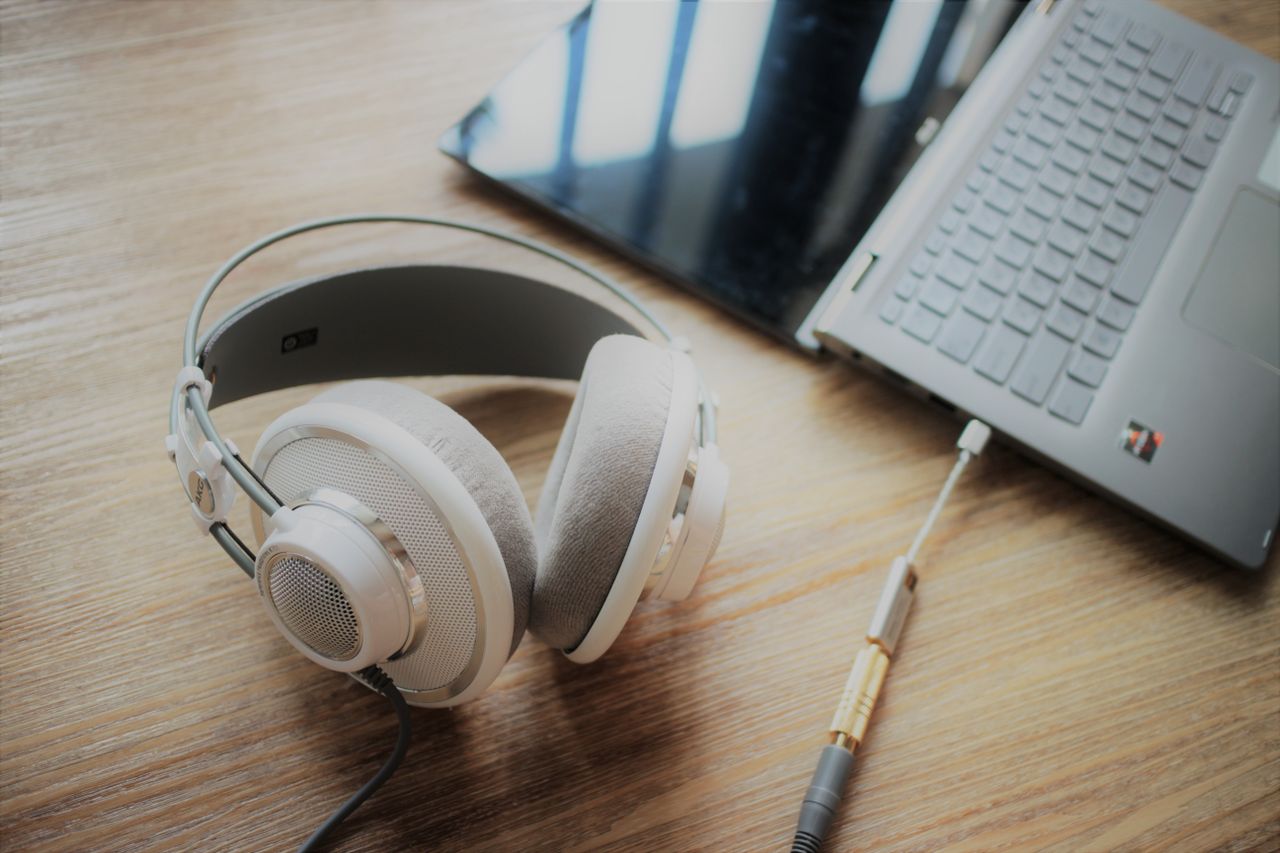
Audio playback in a video meeting affects more than the person at the computer. Speakers make remote voices audible to everyone nearby, and the microphone can pick that sound up again. Headphones avoid part of the problem but may become uncomfortable during long sessions. The appropriate choice depends on both the room and the conversation.
Consider the room first
In a shared room, headphones are often the simpler option when others should not hear the remote participants. They do not prevent people nearby from hearing your own replies. A separate location may still be necessary for a confidential discussion. Closed earcups and a visible microphone do not create complete privacy.
Speakers can be comfortable in a room you use alone, particularly for short calls. Position them so you do not need excessive volume. When several people sit around one table, a conference device designed for the situation is usually easier to manage than several laptops with microphones and speakers active at once.
Test input and output together
Select the microphone and speaker or headphones deliberately in the meeting application. A connected monitor may take over audio output while the laptop microphone remains active. That combination is not always obvious from the desk. A test recording or call reveals the actual arrangement more clearly than the device names alone.
During a trial, ask the other participant to listen for echo and clipped speech. Change one setting at a time so you can identify its effect. Lower speaker volume or another microphone position may help. If echo continues, headphones provide a useful comparison when narrowing down the cause.
Plan for longer sessions
Assess headphone weight, pressure, and warmth during normal use. For wireless devices, check battery level and charging options before the meeting. A spare cable helps only if it supports the intended audio function. Test the mute control and the application's indicator before relying on a button on the device.
Keep a working fallback available, such as a simple wired headset. It does not need to offer the same comfort features as the main device. Its purpose is to let you continue a conversation intelligibly when the preferred connection fails or a battery runs out. Confirm that the fallback fits the computer's actual ports as part of the preparation.