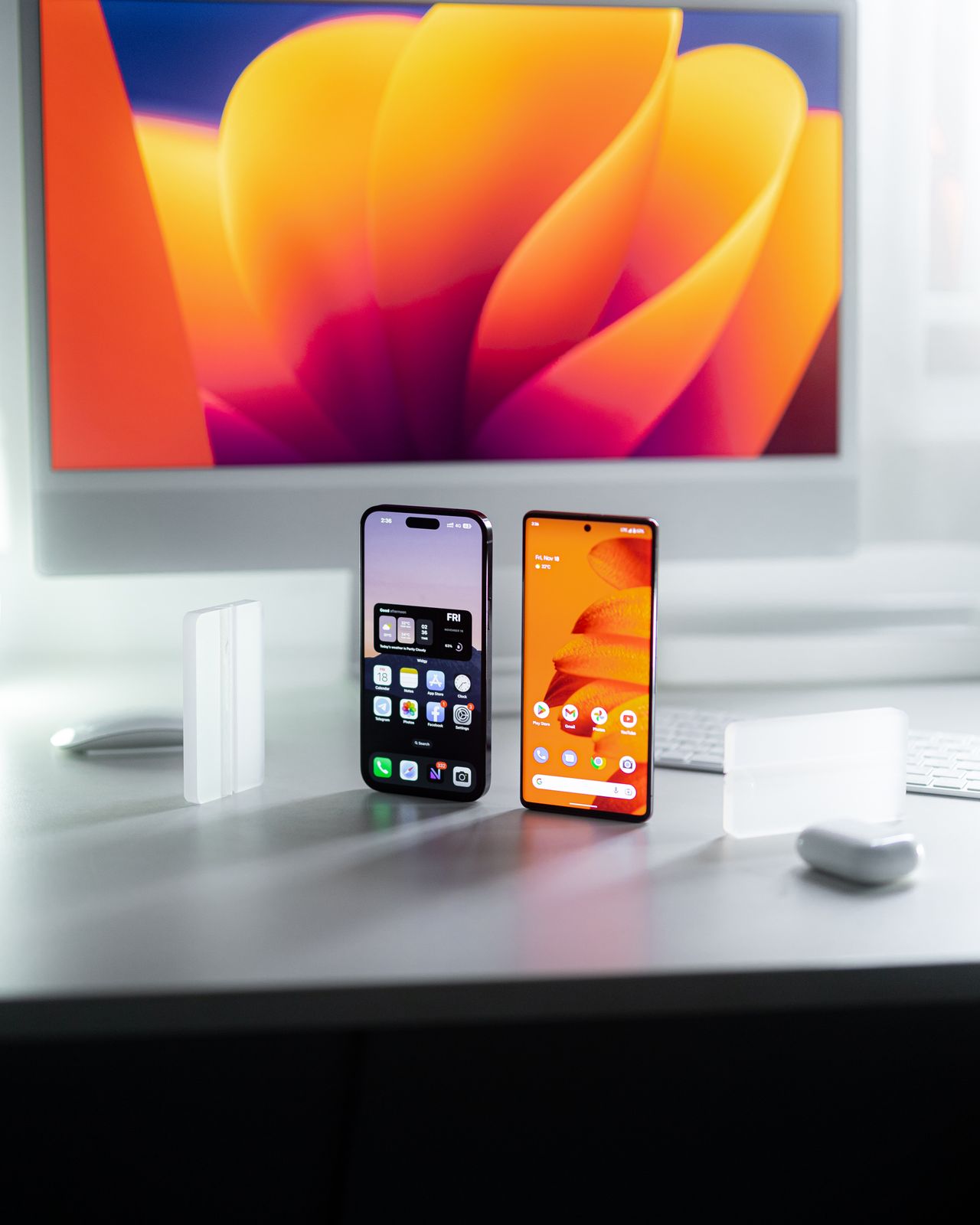
A normal phone migration does not necessarily transfer every second sign-in factor. An authenticator may synchronize accounts, provide a separate export, or require fresh enrollment with each service. Before resetting the old phone, every important account needs a working route on the new device. A successful sign-in matters more than merely seeing a familiar account name in the app.
Identify the actual method
Identify the application and accounts involved first. Time-based codes, approval prompts, and device-bound methods may require different migration routes. Do not assume instructions for another app apply. Read the official help for the application and version you actually use.
Google Authenticator, for example, supports synchronization through a Google Account and a manual transfer when used without an account. Other authenticator apps do not necessarily follow the same process. Also confirm which account handles synchronization and whether you can access it independently.
Establish a fallback before transfer
Check recovery codes or other configured sign-in routes for important services. Update outdated recovery details while the old phone still works. A missing second factor can otherwise block the very account needed to configure the replacement.
Keep the old phone charged and available. Avoid migrating between urgent appointments when there is no time to handle recovery problems. A list of important accounts helps prevent a rarely used but essential login from being overlooked.
Treat transfer codes as secrets
If the app generates a transfer QR code, it may contain sensitive enrollment information. Scan it only with the intended application on your new device. Do not casually message it to someone or upload it to a public image service. Such a code is not a harmless screenshot.
For manual transfer, check whether more than one QR code is required. Google notes that moving multiple accounts can generate several codes. Complete the displayed process and confirm import before switching devices or ending the session.
Test each important account
Sign in to the important services through their known official addresses using the factor on the new phone. Check the account name carefully; similarly named personal and work accounts are easy to confuse. If a code fails, consult the official troubleshooting instructions instead of repeatedly changing arbitrary settings.
After successful tests, determine which old registrations must be removed. Transferring a time-based code does not automatically invalidate it on the old phone. Depending on the method, remove the previous device from the service or re-enroll the factor. Follow that service's process and reset the old phone only at the end of the verified migration.