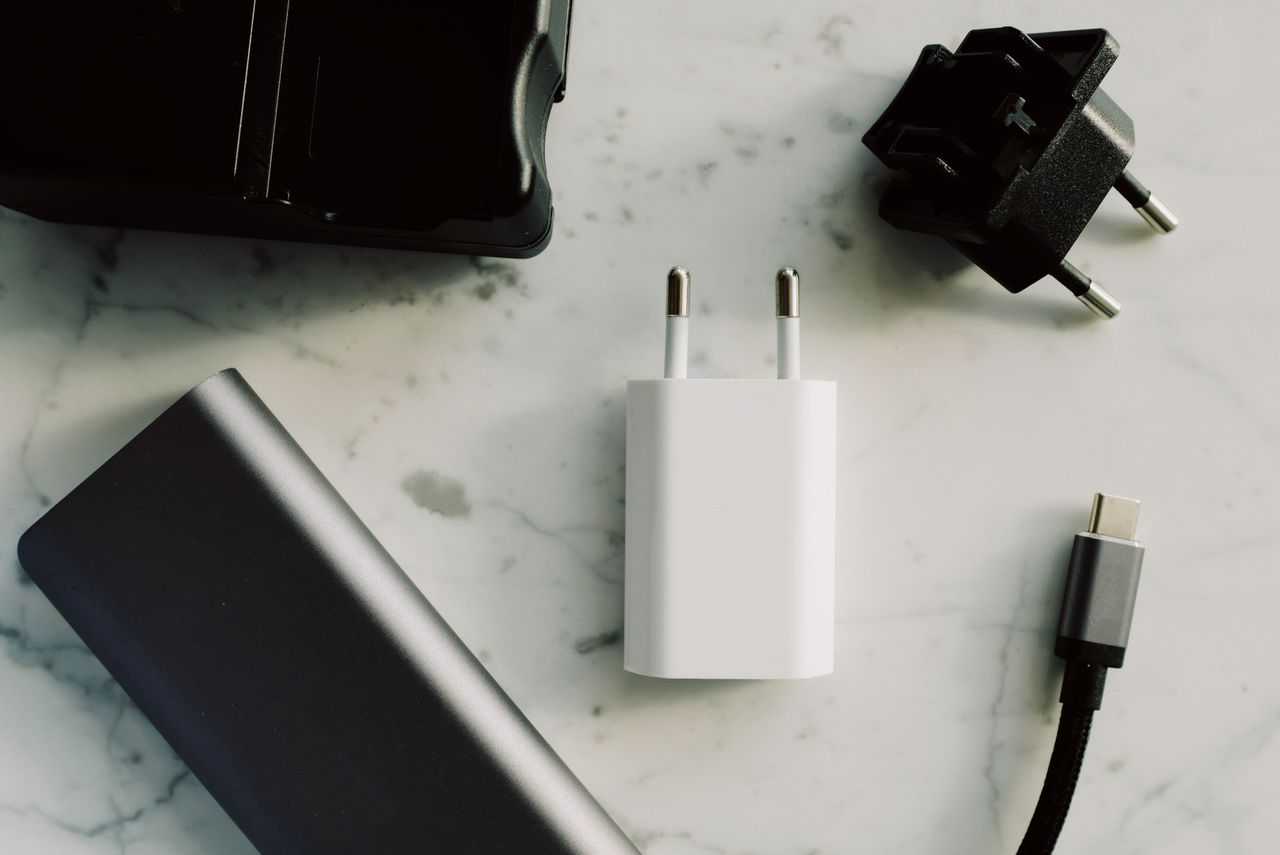
A bag full of adapters can still omit the one piece you need. Plan around situations instead: charging at a hotel, presenting in a meeting room, transferring files, and perhaps using wired networking. Each situation needs a complete connection path, not merely a plug that looks approximately right.
Gather details before leaving
Ask the venue which video and network connections are available. Establish whether cables are supplied and how far the laptop will sit from the connection. A photograph or exact description is more useful than “standard connection available.” Also confirm whether local rules permit connecting outside equipment at all.
Record the functions your computer supports. With USB-C, check video, data, and charging separately. A travel hub can combine tasks but also becomes a shared point of failure. For an important presentation, a simple video adapter you have already tested may be a useful additional option.
Plan charging separately
Check the power supply's permitted input voltage and frequency, along with the outlet shape at the destination. A travel adapter changes the physical fit but does not automatically convert voltage. Follow manufacturer guidance and check suitability for the connected equipment. Damaged cables and loose connections do not belong in the travel kit.
If several devices will share one charger, inspect its output when the relevant ports are occupied together. Pack the actual cables needed. A list saying only “USB-C” is too vague when one cable is intended just for charging and another is needed for a display connection.
Test the kit as a sequence
Unpack the selected items and assemble the important connections at home. Do not stop at a visible picture: test the intended presentation mode and sound where needed. Open essential files locally when offline use is permitted and useful, rather than discovering at the venue that everything depends on a network login.
Label proven cables and keep small pieces in a separate pouch. Store a short packing list with the equipment so everything returns after a meeting. A spare should protect a specific important connection. Random duplicates mainly add weight and make the bag harder to understand when you are trying to find something quickly.