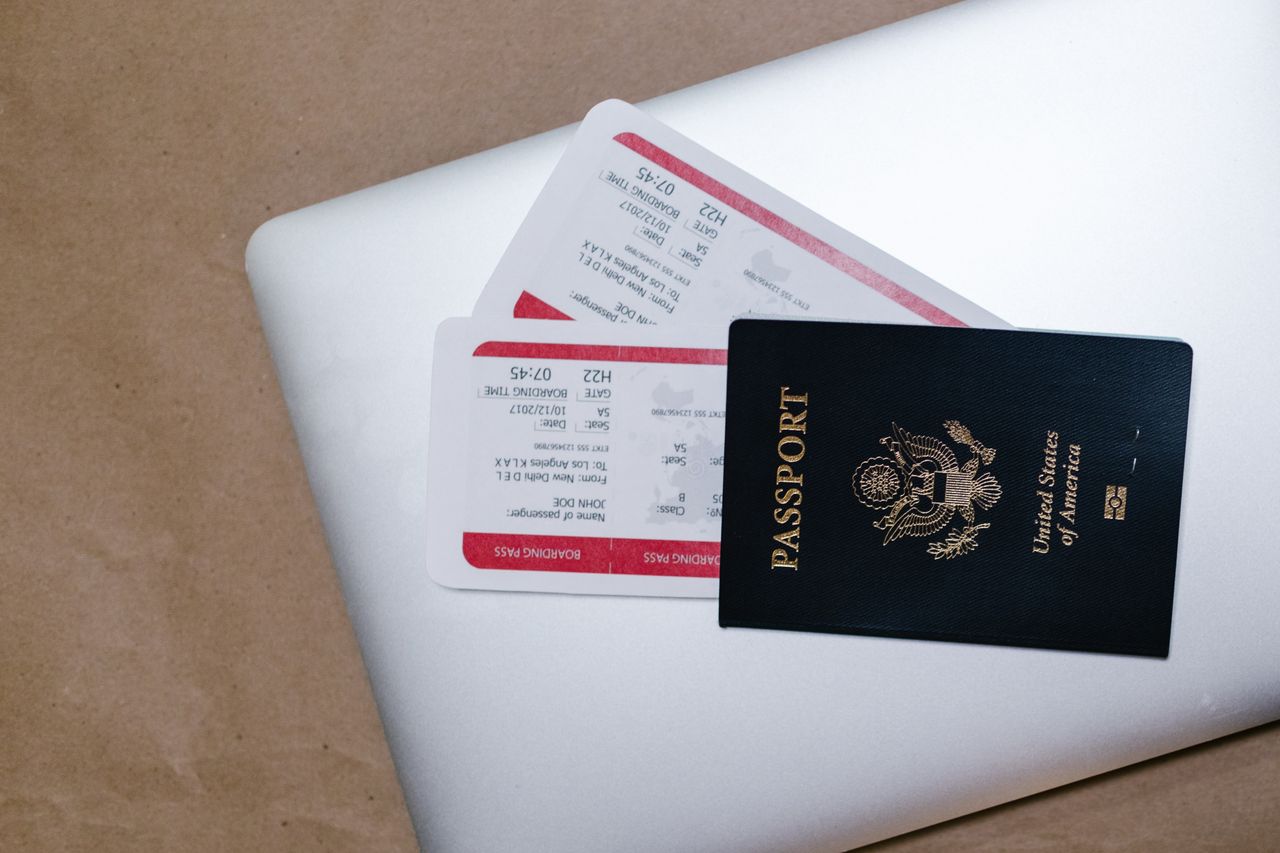
At your destination, the connection is weak, a booking confirmation is available only in an app, and your battery is nearly empty. Some preparation can make that situation easier to handle. The aim is not to copy as many personal documents as possible. It is to keep the information you actually need available in a suitable form while protecting sensitive material.
Use the itinerary as the starting point
Walk through the main transitions: departure, arrival, accommodation, and any booked appointments. Which address, confirmation number, or contact will you need at each point? Keep those details in a small, clearly named collection. A filename with a date and purpose is easier to recognize on the move than several identical download names. When a booking changes, identify which version is current.
Check the provider’s requirements. One ticket may work as a PDF, while another service may require a current code inside its app. A screenshot therefore does not automatically replace the intended proof. Test permitted offline access using the provider’s instructions. Entry and identity documents are governed by the relevant authorities’ current requirements; a digital copy is not a blanket substitute for a required original.
Actually test offline access
Open a required file after downloading it and check that all relevant details are visible. Briefly disconnect and open it again. An icon in a cloud app may represent a link rather than locally available content; testing reveals whether the file is actually there. Also check that you can find it after restarting or reopening the application.
Consider a second route to especially important information. Depending on the contents, that could be an appropriate paper copy or a protected copy that does not exist only on the same phone. The U.S. Department of State’s travel checklist recommends preparing required documents and making copies. You still need to check what is accepted for your particular journey with the responsible authorities; a copy mainly provides an additional information source.
Avoid spreading sensitive details unnecessarily
Documents containing personal identifiers or other confidential details should not sit in publicly shared folders or open group conversations. Give travel companions only the information they actually need. A hotel name and arrival time do not automatically require sharing every identity document. Review the permissions of a shared collection and avoid public links for sensitive material.
After the trip, briefly review temporary access, unnecessary files, and receipts that belong in their normal storage location. Do not indiscriminately delete the entire travel folder if it contains records you still need. Separate short-term trip organization from documents you have a specific reason to retain longer.