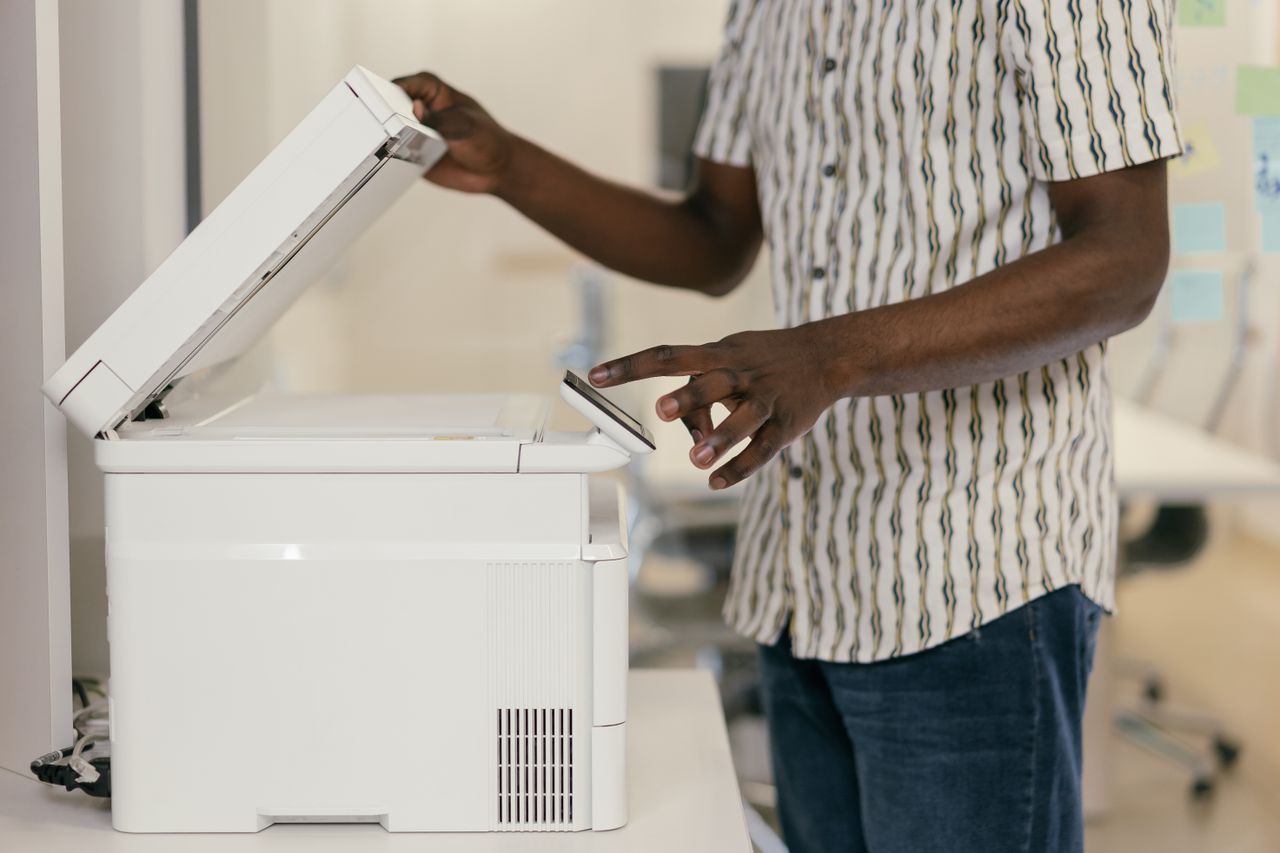
A scanned document is often just an image of the paper page. You can view it, but its words may not be searchable. Optical character recognition adds machine-readable text that makes later searching easier. That technical step alone does not create a useful archive: pages must be complete, readable, and kept in their proper context.
Group the paper before scanning
Sort related pages before feeding them into the scanner. Remove obstructive staples only where that will not damage the material, and check reverse sides and folded inserts. A brief page-count note helps with larger batches. Even blank backs may matter for some records; do not let automatic blank-page detection make every decision.
Try a sample from each kind of document first. Faint text, colored annotations, and small tables need different treatment from a clear one-page notice. The smallest-file setting may make fine characters unreadable. Choose quality by the readability you actually require.
Treat OCR as an aid
Choose the correct document language when the OCR tool provides that setting. Straighten tilted pages and correct orientation first. OCR can confuse characters, read columns in the wrong order, or miss handwriting. The visible scan remains important even when text searching works.
Search for several words from different pages. Also copy a short passage into a plain text editor and compare it with the image. Names, amounts, and identifiers deserve targeted visual checks. Finding one word does not establish that the entire document was recognized correctly.
Choose document boundaries and names
One file per meaningful document is often easier to manage than one annual scan containing hundreds of pages. Keep attachments with their parent document or clearly reference their separate location. Use dates, senders, and subjects in filenames where those clues support later retrieval.
Avoid sensitive details in a filename if it will appear in notifications or sharing lists. OCR supports content search, but a recognizable name still helps where full-text search is unavailable. Folders and search complement each other; neither needs to handle every task alone.
Plan retention and access
Before using an online OCR service, establish whether the material may be uploaded there. A local application may be more appropriate for confidential collections. Check the saved file's page count, sequence, and readability, then include it in the backup process.
Do not discard paper originals merely because scanning succeeded. Whether the original is still needed depends on the document and applicable requirements. Start with a small, low-risk collection and test retrieval afterward. Expand to larger batches only after the complete process works.